Once Kept
Home inventory app
A phone app for iPhone and Android that turns your home into a searchable list of everything you own. Take a photo, note where it lives, and find it again in seconds.
Visit Live Site
Every home has drawers, boxes and shelves where things seem to disappear. When you need a cable, a document or a keepsake, you end up searching through everything.
Top highlights
Just take a photo
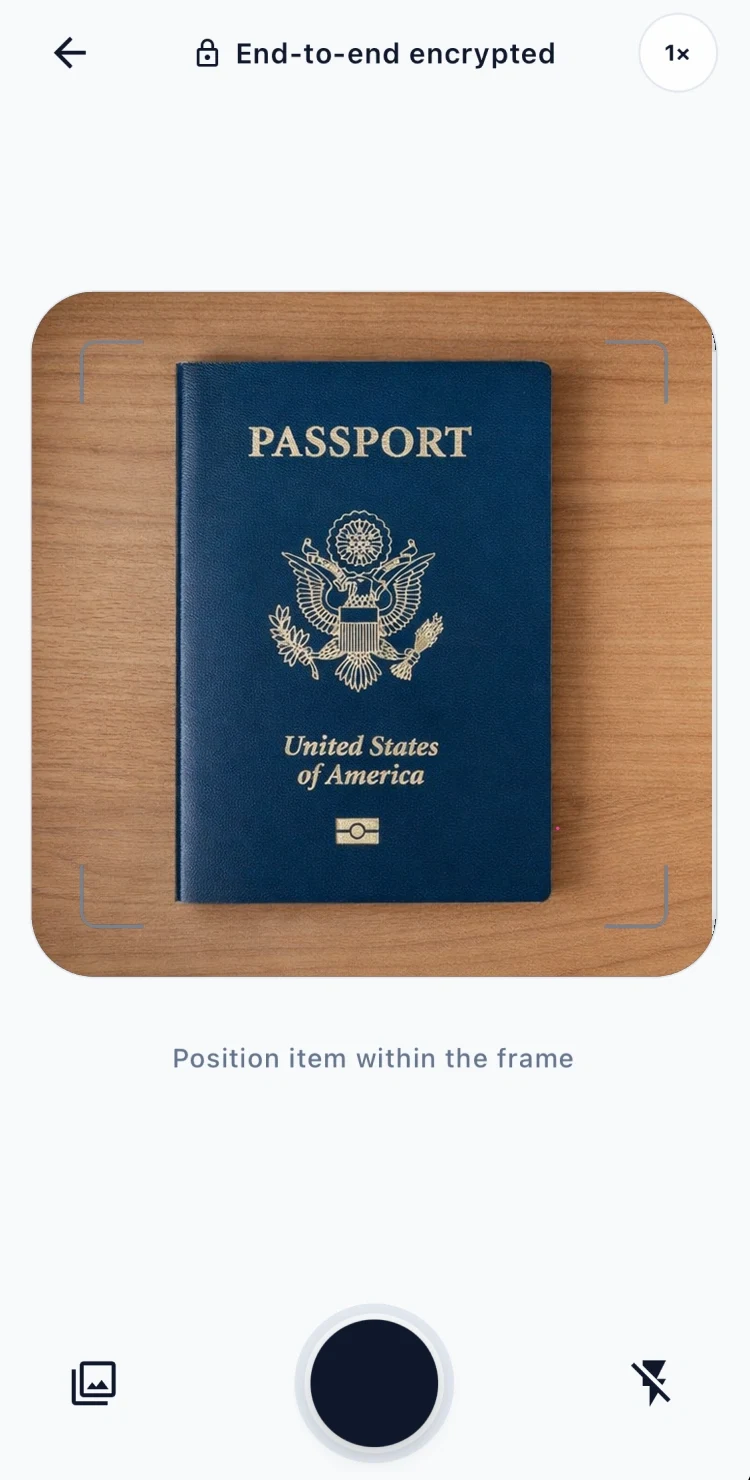
No lists to type. The app looks at each photo, suggests a name and sorts it into your own categories.
Remember exactly where
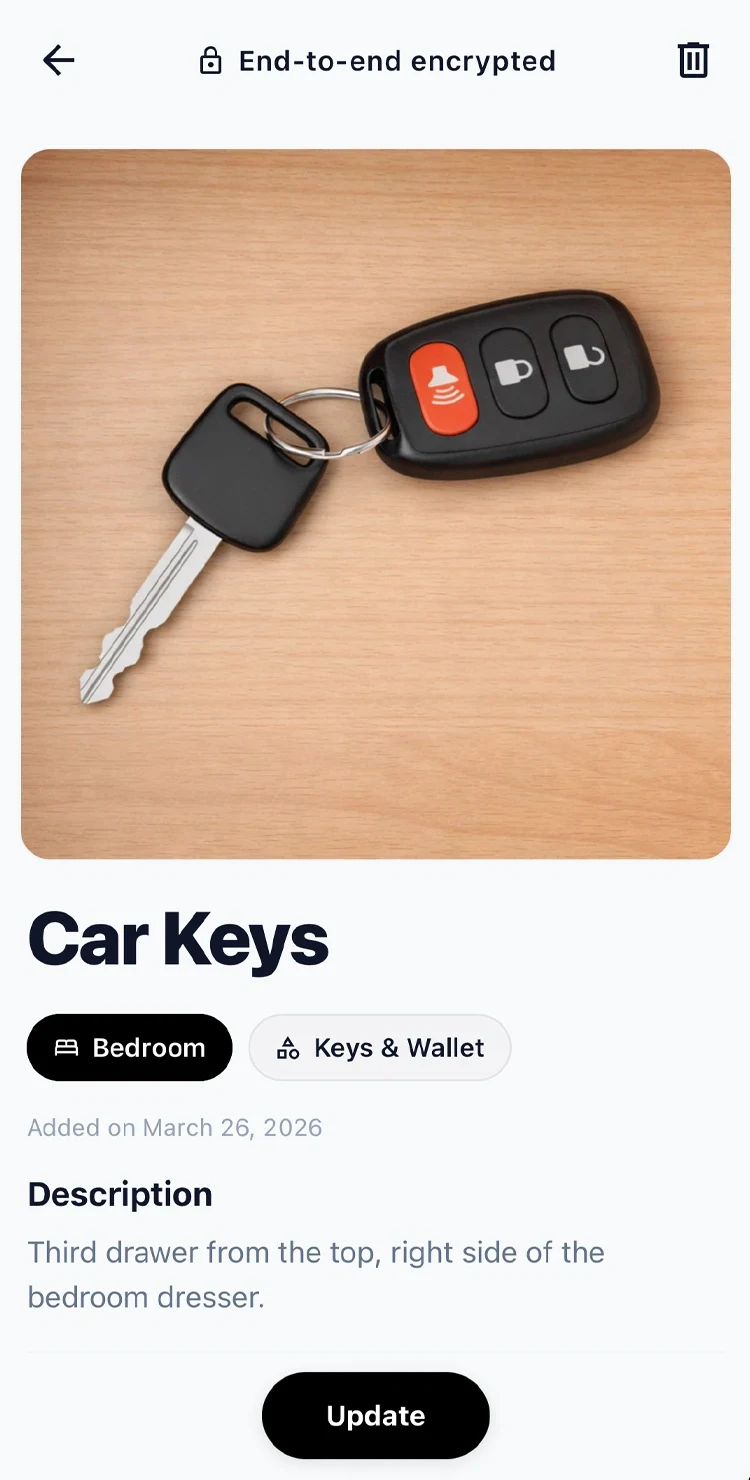
Each item keeps its room, its category and a short note like “third drawer from the top”. Type “car keys” and the answer is right there.
Everything sorted by room
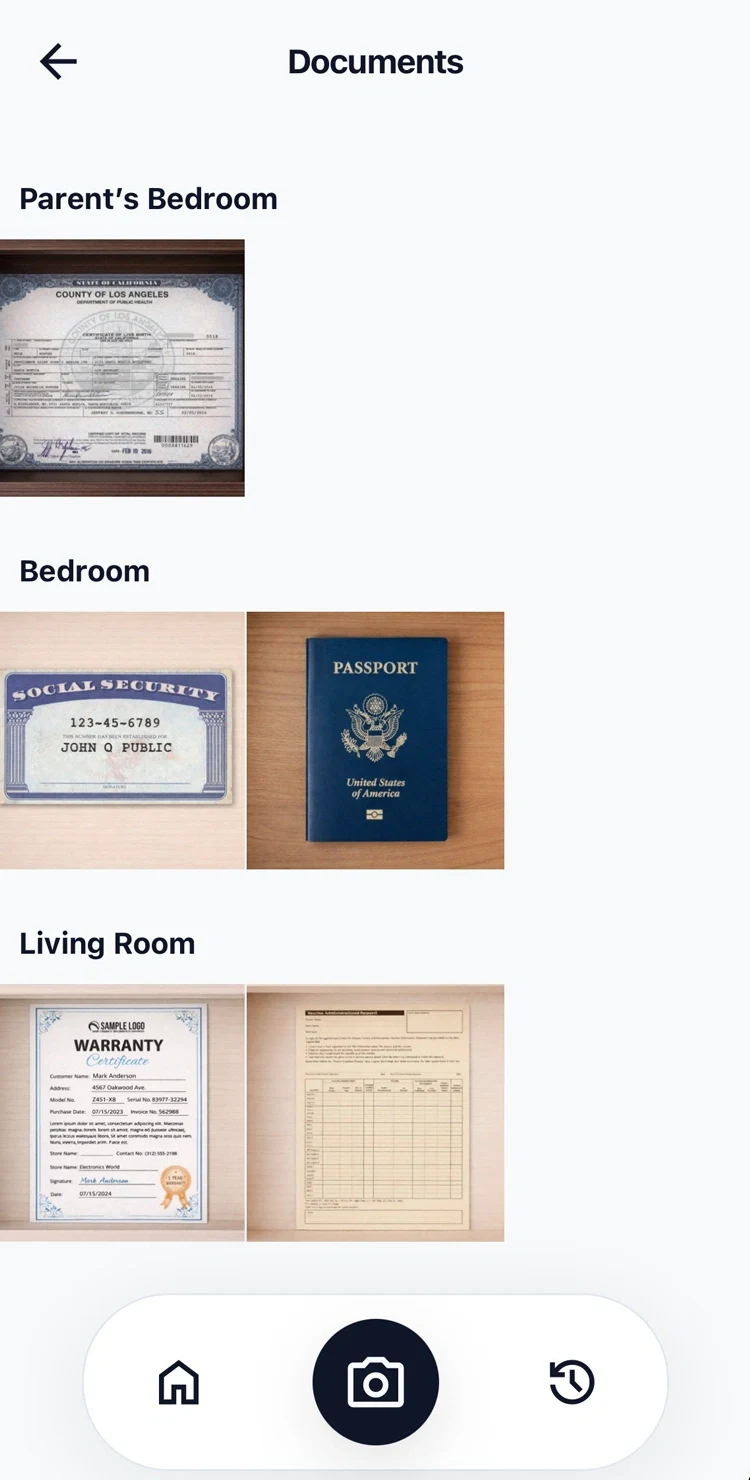
Items are grouped by where they are kept, with your own categories and icons. Search by name, category or place from the home screen.
What it changes at home
Found in seconds
“Where did I put that?” gets a quick answer, instead of a search through every drawer.
Shared with family or office
Invite others with a short code, so everyone knows where shared things are kept, on iPhone or Android.
Private by design
Photos are stored encrypted, and items you mark private stay hidden even from the people you share with.
Technical details for developers
Stack, architecture and how it is built.
Stack
Architecture
Two-Stage AI Classification
Photos are sent to a Flask backend running OpenCLIP (ViT-B-32). Stage 1 compares the image against 200+ object labels to get the item name. Stage 2 compares against the user's own category names using detailed visual prompts. Negative anchors prevent false matches. If the top category exceeds 40% confidence it is auto-selected otherwise the user picks from a ranked list.
End-to-End Photo Encryption
Every image is encrypted with AES-256-GCM before touching the database. The IV, ciphertext, and auth tag are stored together as binary. The encryption key never leaves the server. Even with direct database access, images are unreadable. Photos are decrypted on-demand only when you view them.
Family & Office Sharing
Users join groups via a 6-character invite code that expires in 10 minutes. Roles are scoped to Host, Admin, and Member. A single account can belong to one family group and one office group simultaneously. Items can be marked private per-item, hiding them from others at the query level via Row Level Security.
Technical highlights
RevenueCat Subscriptions
Four-tier plan system (Free, Standard, Family, Office) gated by item count and member limits. Billing runs through the App Store and Google Play via RevenueCat no custom payment infrastructure needed.
Cross-Platform
One codebase ships to both iOS and Android via Expo. Platform-specific camera behaviour, gesture handling, and blur effects all wired up with the correct native APIs.
Privacy First
Row Level Security enforced at the Supabase layer. Cascade deletes wipe all user data atomically on account deletion. Private items hidden at the query level, not just the UI.